Run HR from the HR workspace
Set up the company in the guided order, read the workbench KPIs and queues, and know where each HR task lives.
- Who uses it
- Administrators
- Content updated
- 2026-11-26
Sign in to your company workspace first. Add the /app/… paths below to your company system URL.
Before you start
- HR management permissions (beyond self-scope views) for the workspace pages; employees and departments are managed here, not in the service apps.
Steps
Follow the setup checklist in order
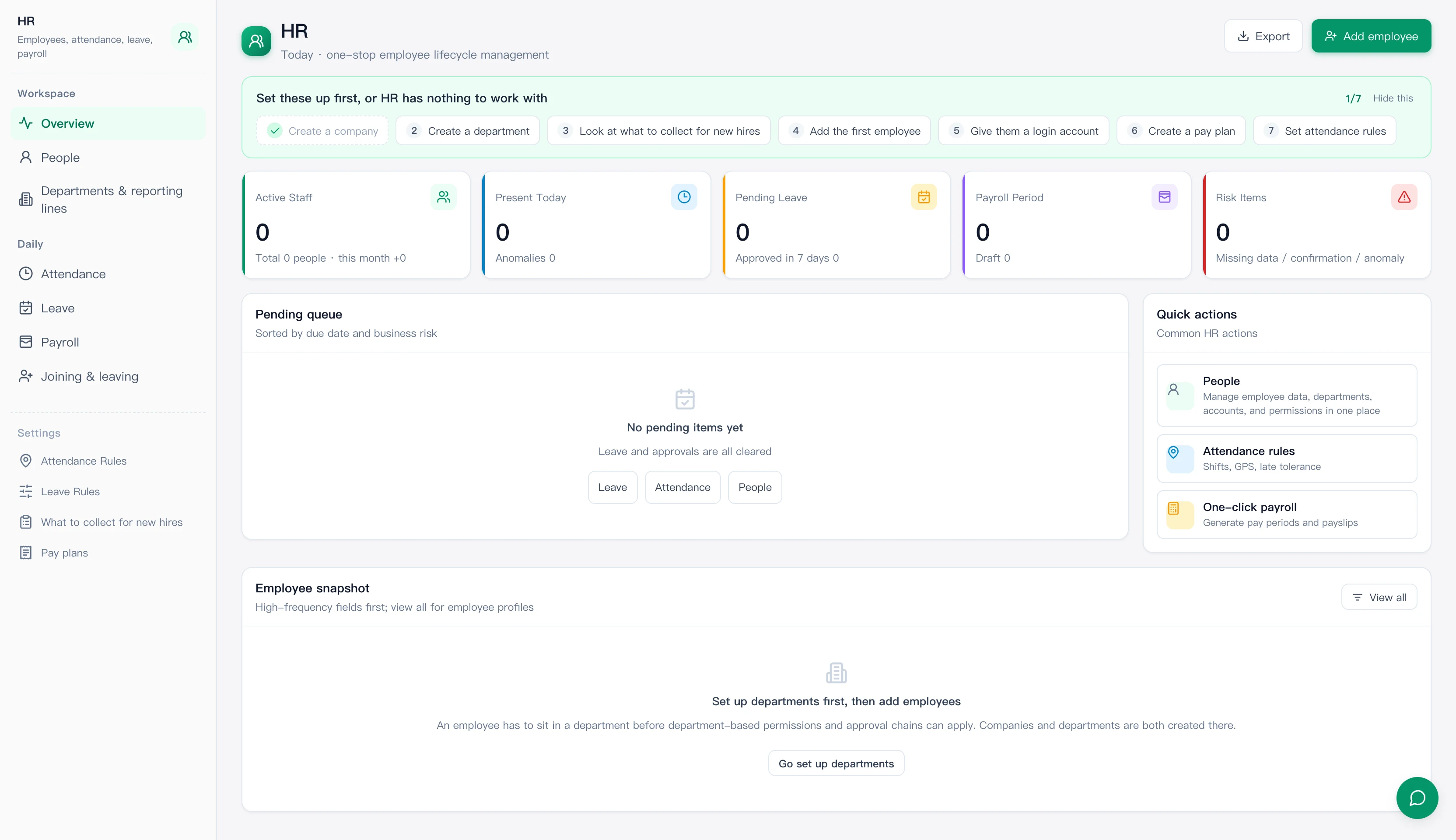
The workspace opens with a checklist: 建公司 → 建部门 → 看入职资料 → 加员工 → 给他登录账号 → 建工资方案 → 设考勤规则. The order matters — employees must belong to a department before role-based permissions and approval chains work, and the employee snapshot will keep pointing you back until it is done.
Expected result: Company, departments and the first employee exist in the right order.
Read the five KPI cards and the queue
在职员工, 今日出勤, 待审批假, 薪资期 and 风险项 summarise today; the 待处理队列 lists pending leave, attendance and employee items sorted by deadline and business risk — work it top down instead of hunting through tabs.
Expected result: Nothing HR-related waits unnoticed past its deadline.
Know where each task lives
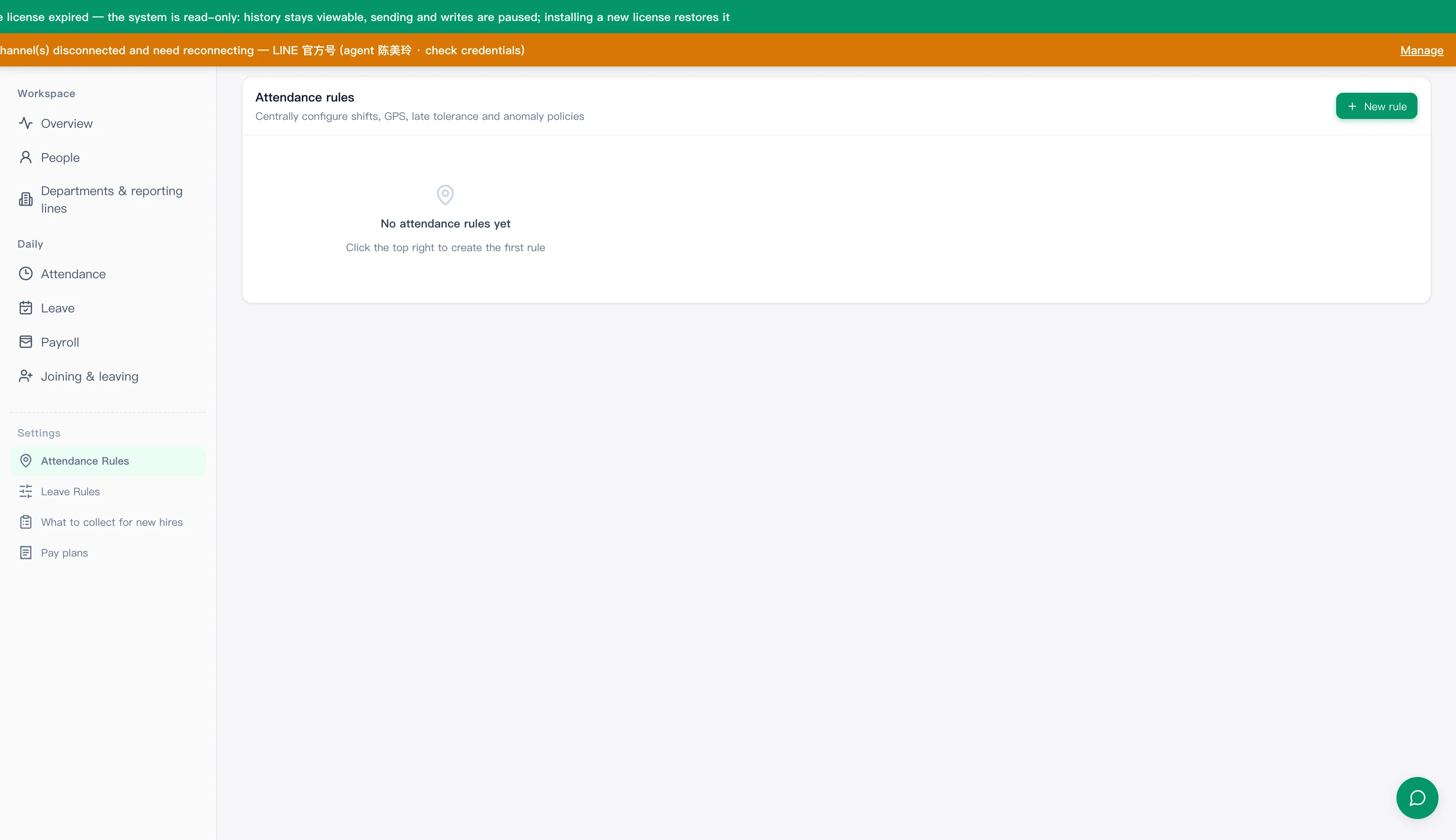
员工 manages records and accounts (see Check employee records and review leave); 部门与汇报线 owns structure; 考勤 covers attendance and its rules (排班、GPS、迟到容忍); 请假 is the approval queue; 工资 runs payroll periods; 入职与离职 handles onboarding and exit. Settings holds the rule pages: 考勤规则, 假期规则, 入职要什么资料, 工资方案.
Expected result: Every HR question lands on the tab that owns it.