Record a closed deal and its ad attribution
Record a deal inside the conversation where the customer came in. The system decides whether it came from an ad, which feeds return-on-ad-spend reporting.
- Who uses it
- All users
- Content updated
- 2026-11-25
Sign in to your company workspace first. Add the /app/… paths below to your company system URL.
Before you start
- Access to the conversation’s customer panel and the Orders tab.
Steps
Open the Orders tab of the conversation
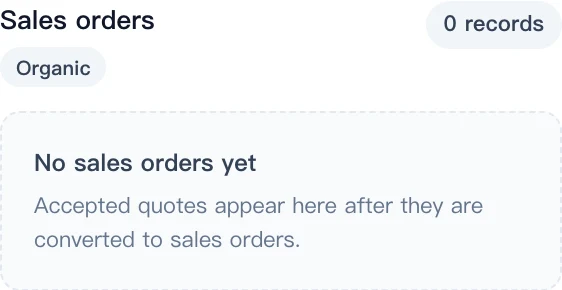
Open the conversation the customer used to reach you. In the customer panel, switch to the Orders tab; the Sales orders section lists this customer’s deals and the Record deal button.
Expected result: The Sales orders section is open for this customer.
Fill in the order
Choose Record deal. The order number is optional; the currency defaults to the reporting currency, and only deals in the reporting currency count toward return on ad spend. Add one line per product with quantity and price, then save.
Expected result: The deal is saved and appears in the sales order list.
Read the attribution result
After saving, the order shows whether it is attributed to an ad, organic, or still being determined. This decision is automatic; no manual tagging is needed.
Expected result: You can tell which deals came from advertising.
Correct or refund later
Use Edit on the order to fix amounts or quantities. When a customer is refunded, fill in the refund amount on the order; reporting adjusts automatically. Duplicate order numbers are rejected by the system.
Expected result: Records stay accurate without creating duplicate orders.