AccountAll users
Account, profile and security
Sign in safely, update your profile, change your password and protect an account shared across daily work.
Last reviewed: 2026-07-15
Before you start
- An administrator-created login account and temporary password
Steps
Sign in on your company URL
Open the URL provided by your administrator. Check the domain before entering your credentials and never reuse a password sent through an untrusted channel.
Expected result: The application shell opens under your company account.
Complete your profile
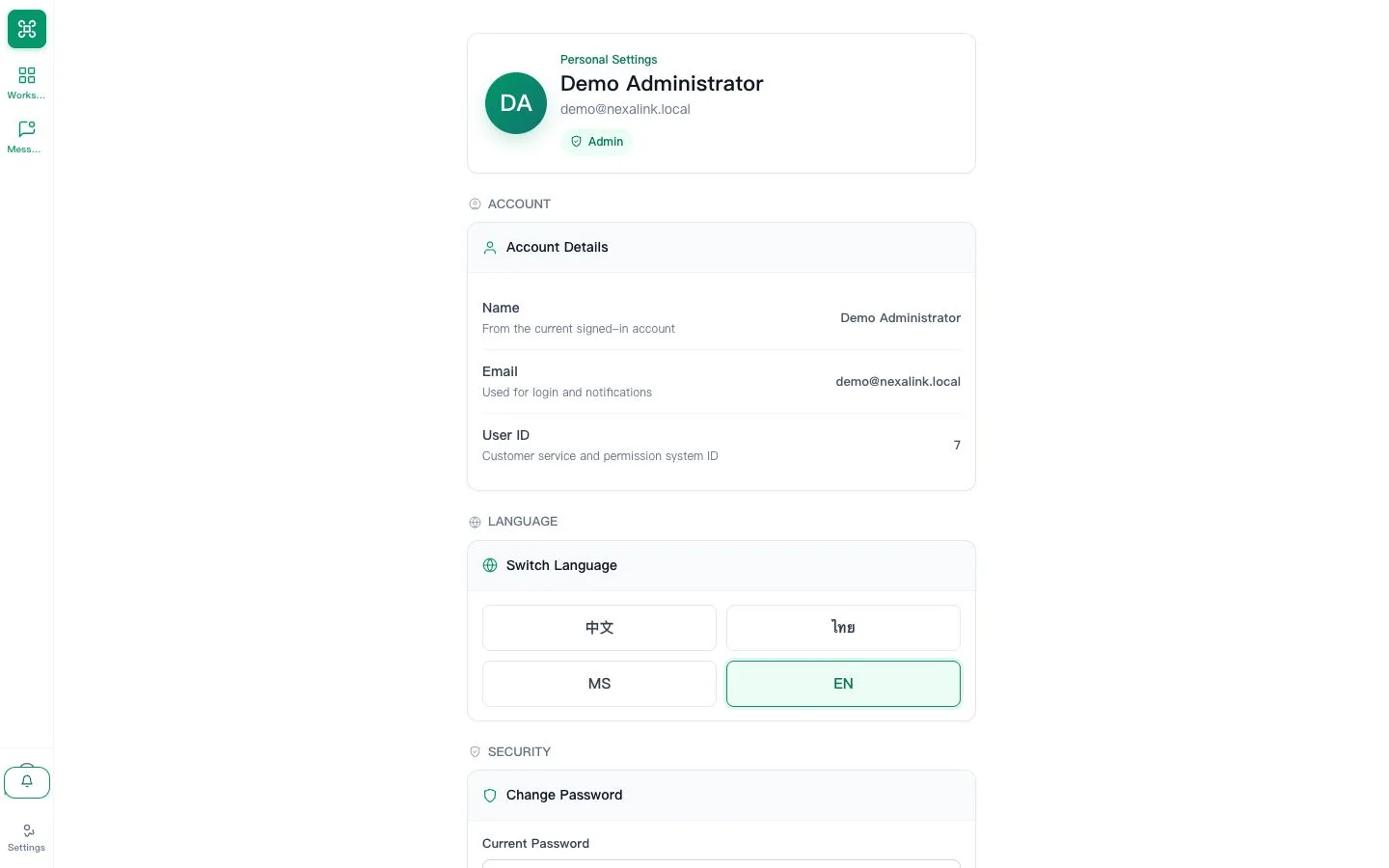
Open Settings, confirm your display name, email, locale and notification preference, then save.
Expected result: Your name and language are correct across messages and internal collaboration.
Change the temporary password
Use a unique password and sign out of devices you no longer control. Contact an administrator if password reset is unavailable.
Expected result: The temporary credential can no longer be used.