Keep the script library, knowledge base and media library useful
Maintain quick replies for fast answers, publish knowledge so agents and AI drafts stay consistent, and keep shared media tidy.
- Who uses it
- All users
- Content updated
- 2026-11-26
Sign in to your company workspace first. Add the /app/… paths below to your company system URL.
Before you start
- Access to the customer content tools (customer-view or script-library permission for the script and knowledge pages).
Steps
Keep quick replies sharp in the script library
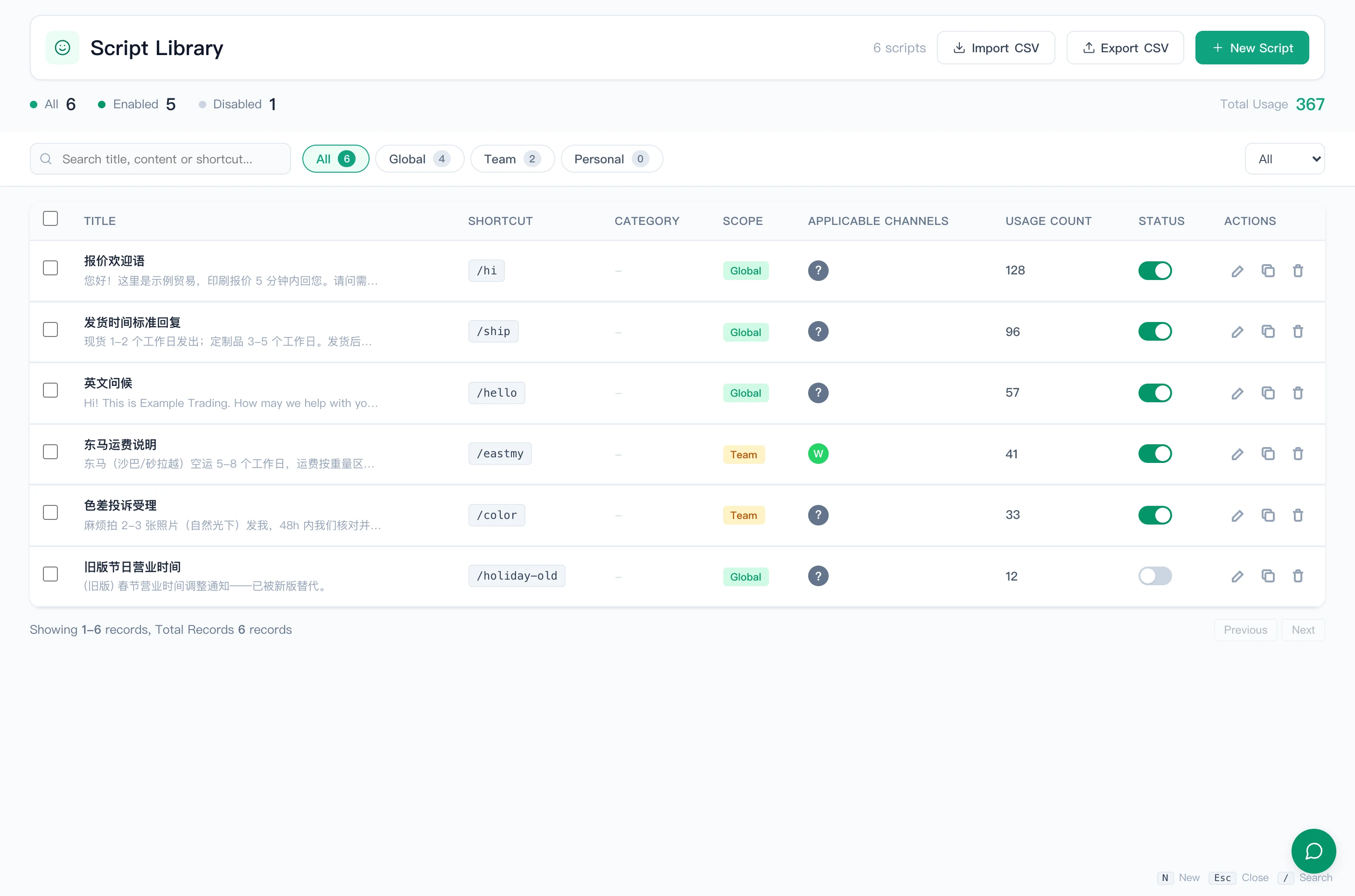
Open the script library at /app/ops/. Each entry has a shortcut (like /hi), tags, scope (全局 for everyone, 团队 for a team), channel and an auto-counted usage number — retire entries with low or stale usage (已禁用 keeps them out of the picker without deleting). Import and export CSV moves the whole library.
Expected result: Replies stay fast because the picker only holds current, working scripts.
Publish knowledge so agents and AI answer the same way
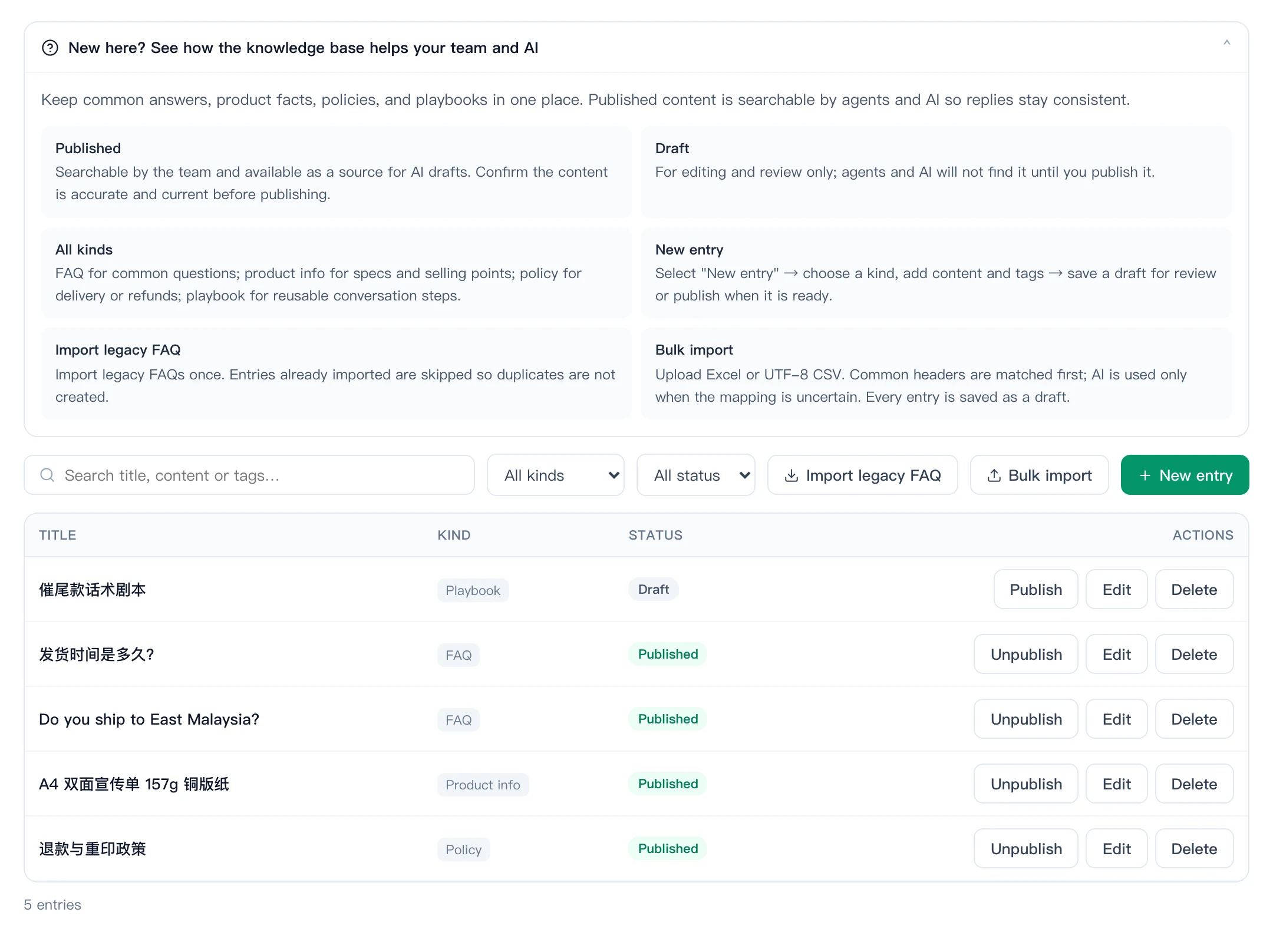
The knowledge base at /app/kb holds four kinds: FAQ for common questions, 产品资料 for specs and selling points, 政策 for delivery and refund rules, 话术剧本 for reusable conversation steps. 已发布 items are searchable by the team and feed AI draft suggestions; 草稿 is edit-and-review only until published. New entries start as drafts on purpose — publish after checking accuracy.
Expected result: One source of truth feeds both agents and AI drafts.
Use the importers instead of retyping
收编旧 FAQ pulls legacy FAQ entries in once (already-imported records are skipped automatically); 批量导入 accepts Excel or UTF-8 CSV, matches common column names, uses AI only when a column is unclear, and saves everything as drafts for review. Fix drafts in bulk after import, then publish.
Expected result: Legacy content lands as reviewable drafts, not as unreviewed published text.
Store shared files in the media library
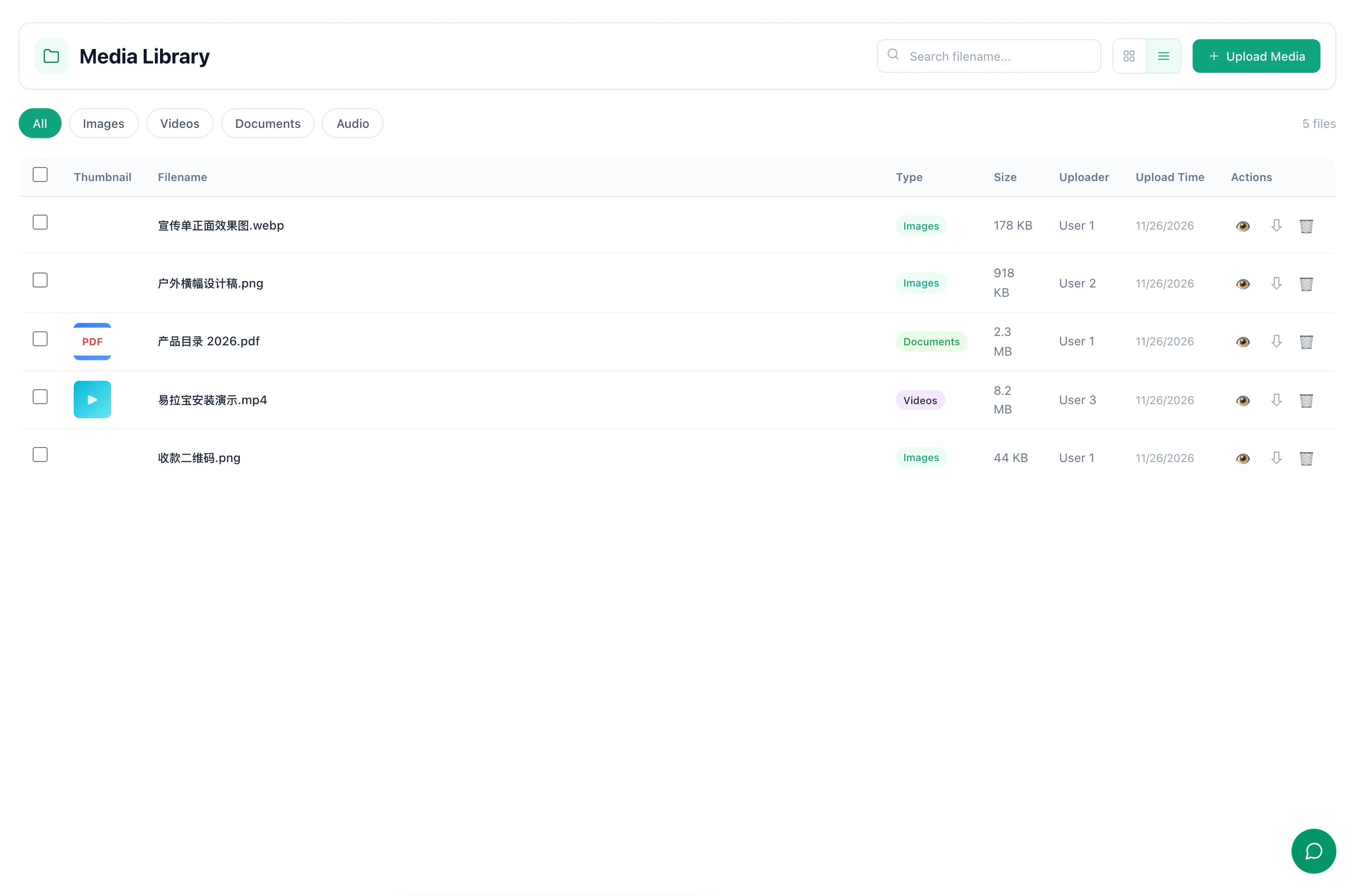
The media library at /app/ops/media/ stores images, videos, documents and audio with descriptions and usage counts. Upload once and reference from conversations; 批量删除 cleans up selected files. Keep internal-only files (like payment QR codes) clearly named so agents do not send them to customers by mistake.
Expected result: Shared files are findable and clearly separated from internal-only assets.