CollaborationAll users
Internal IM and tasks
Coordinate internal decisions in IM and turn work that needs an owner or due date into a task.
Last reviewed: 2026-07-15
Before you start
- An active employee account
Steps
Use IM for internal discussion
Choose the correct colleague or group. Keep customer-facing replies in the inbox and internal discussion in IM or internal notes.
Expected result: Internal messages are not sent to a customer channel.
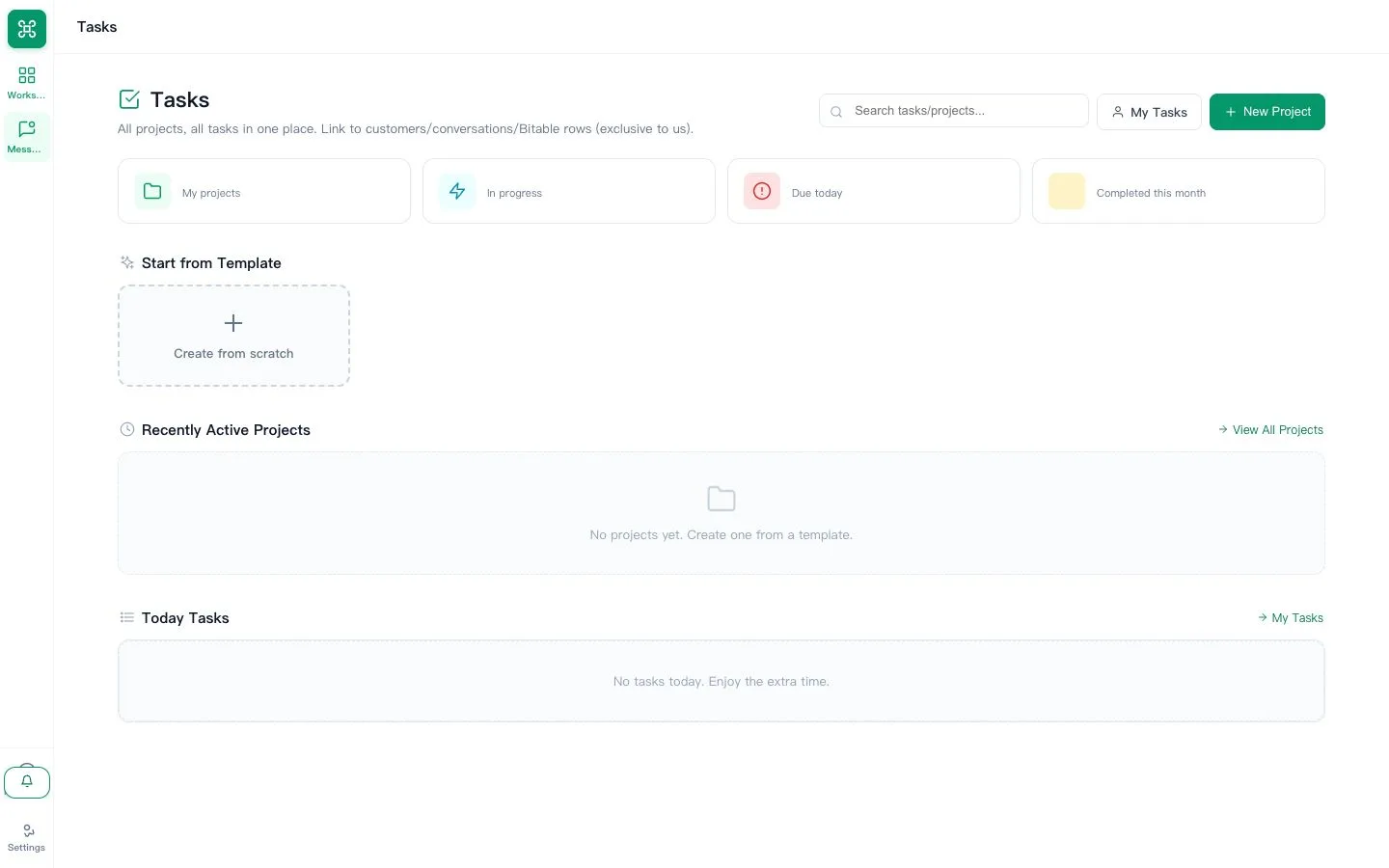
Create a task for accountable work
Give the task a clear verb, one owner, due date and enough context to finish it without a second explanation.
Expected result: The task has one owner, status and next action.
Close the loop
Update the task status when work changes and attach the result before marking it complete.
Expected result: Colleagues can verify what was completed.