Connect customer channels
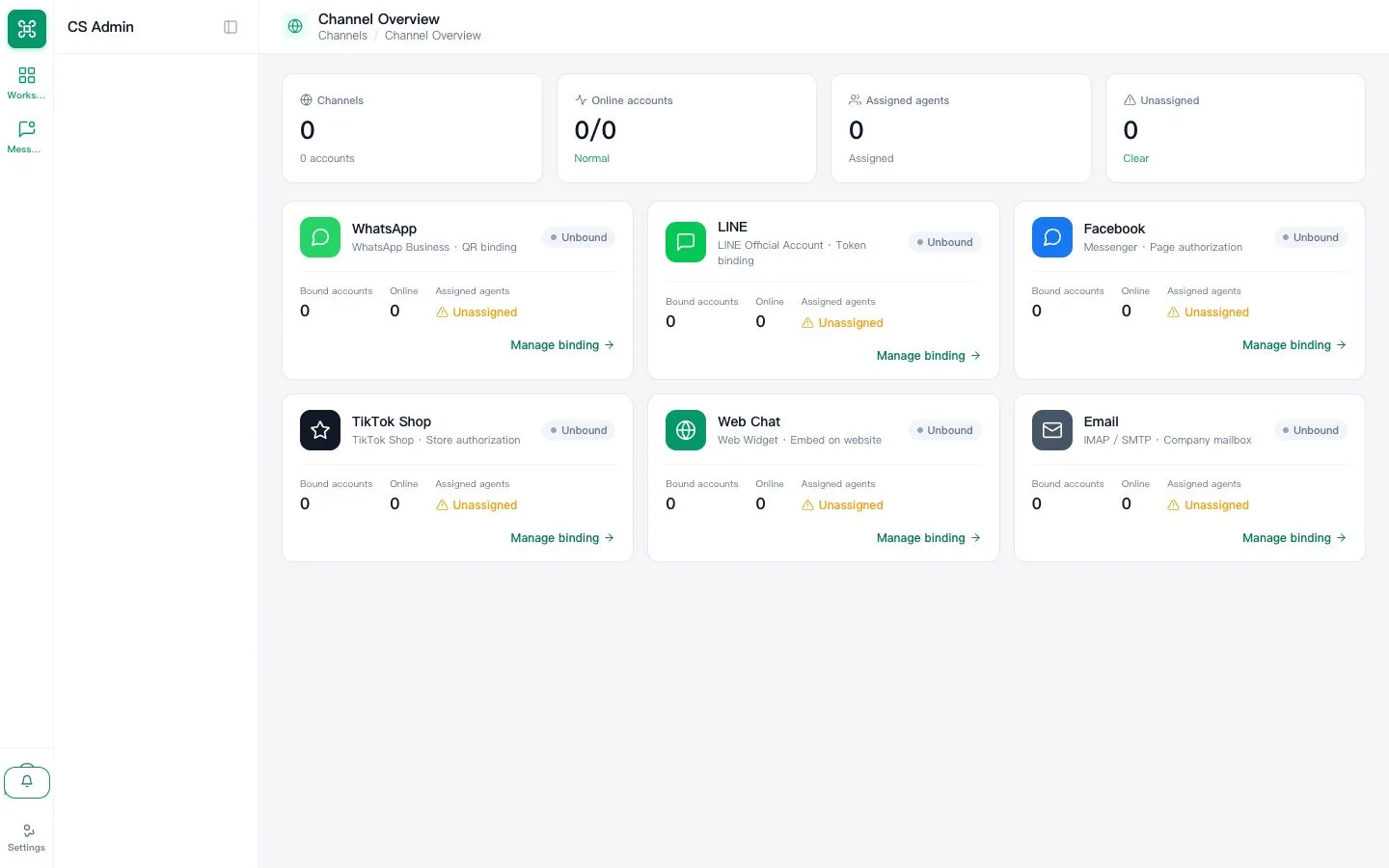
Connect a supported WhatsApp, LINE Official Account, Facebook Page, Web Chat or email channel and verify the first inbound message.
Last reviewed: 2026-07-15
Before you start
- Administrator access and credentials for the channel provider
- Provider approval where the channel requires it
Steps
Choose the correct connection method
Open Settings → Channels and choose only a channel shown as available for your tenant. OAuth authorization and system-user synchronization are different methods. General Instagram and TikTok customer messaging are not currently open; a visible setup direction does not prove that messaging is available.
Expected result: The channel appears as connected rather than pending or expired.
Set the receiving team
Map the channel inbox to the team responsible for first response and confirm at least one available agent.
Expected result: New conversations are visible to the intended team.
Send a real test message
Message the connected business account from a separate customer account. Verify receipt, reply and delivery status before announcing the channel is live.
Expected result: A two-way test completes in the shared inbox.