HR records, leave and attendance
Maintain employee records and use currently available leave and attendance workflows without assuming unopened calendar or check-in features.
Last reviewed: 2026-07-15
Before you start
- HR permission for administrators; an active employee record for staff
Steps
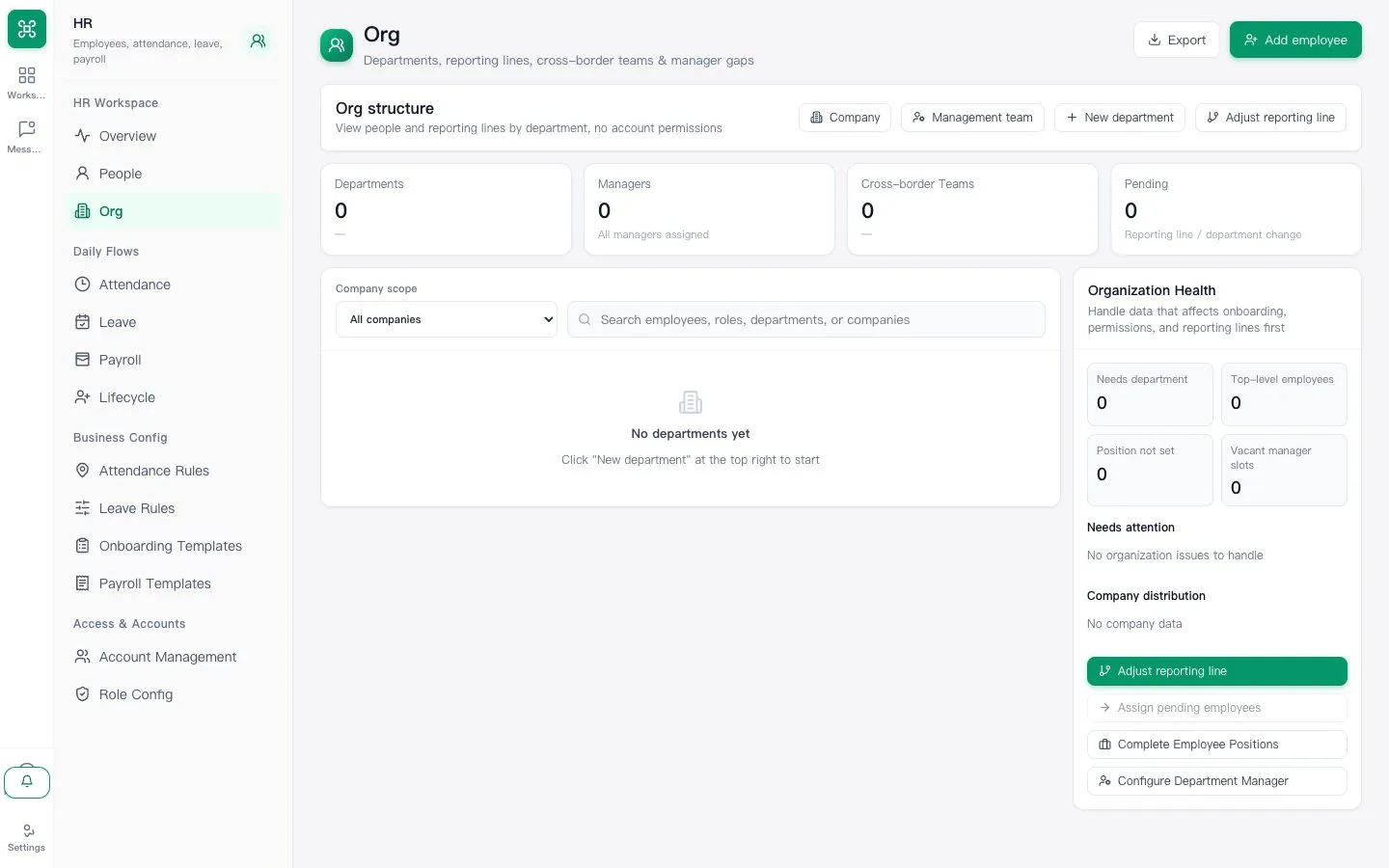
Keep employee records current
Administrators should confirm team, manager and employment status. Employees should report incorrect records instead of creating duplicates.
Expected result: The employee belongs to the correct team and approval chain.
Submit and review leave
Enter the actual leave period and reason, then follow the visible approval status. A consolidated leave calendar is not yet available.
Expected result: The request has a visible status and approver.
Use the available attendance records
Review imported or administrative attendance records where enabled. In-app attendance check-in is not yet open.
Expected result: Staff do not rely on an unavailable check-in control.