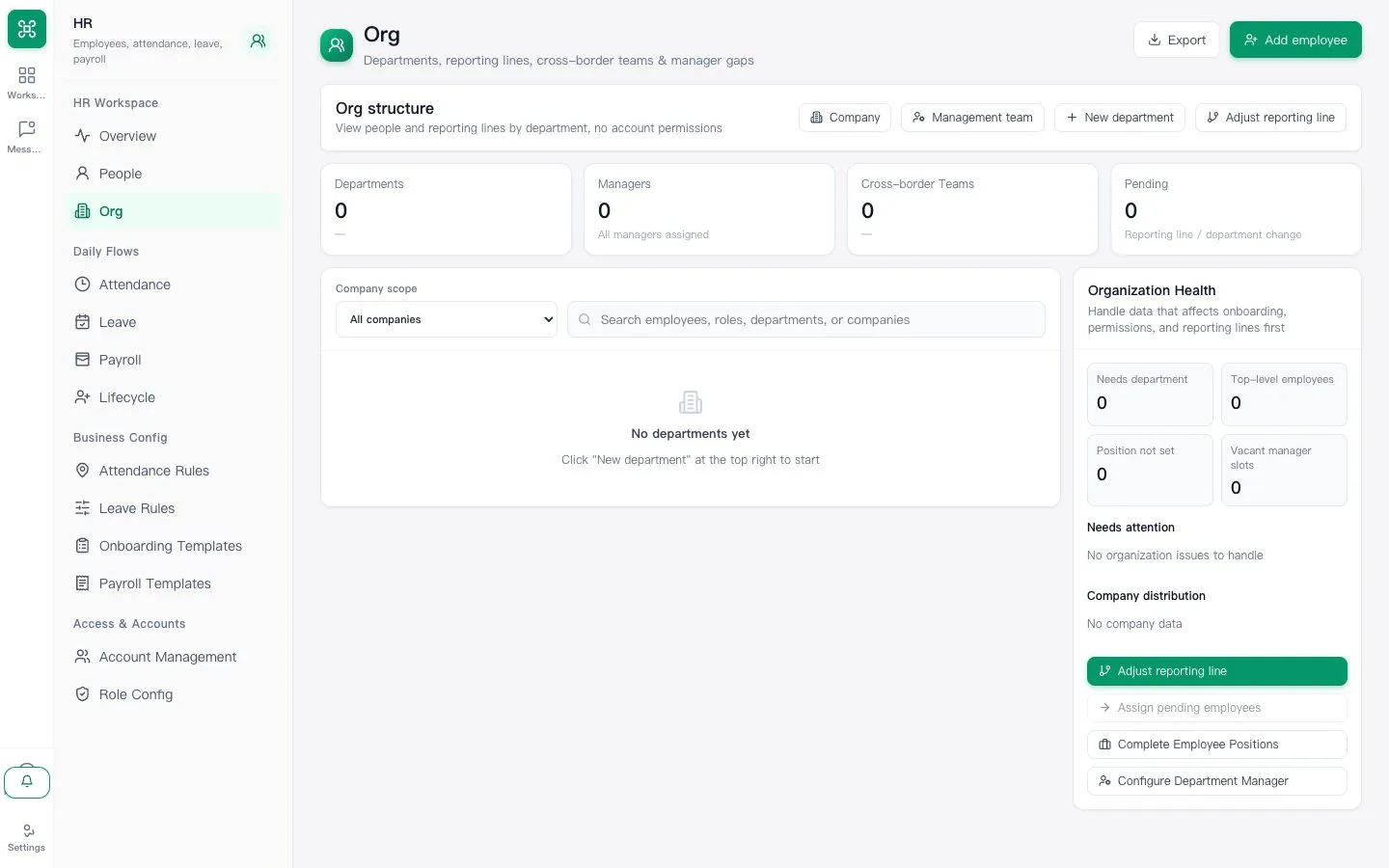
1. Confirm company settings
Check company name, timezone and working language before creating staff accounts.
First-day AllOneSales quick start for new-tenant administrators and employees.
Set up a safe, working tenant before inviting the whole team.
Check company name, timezone and working language before creating staff accounts.
Create real operating teams and grant the smallest suitable role.
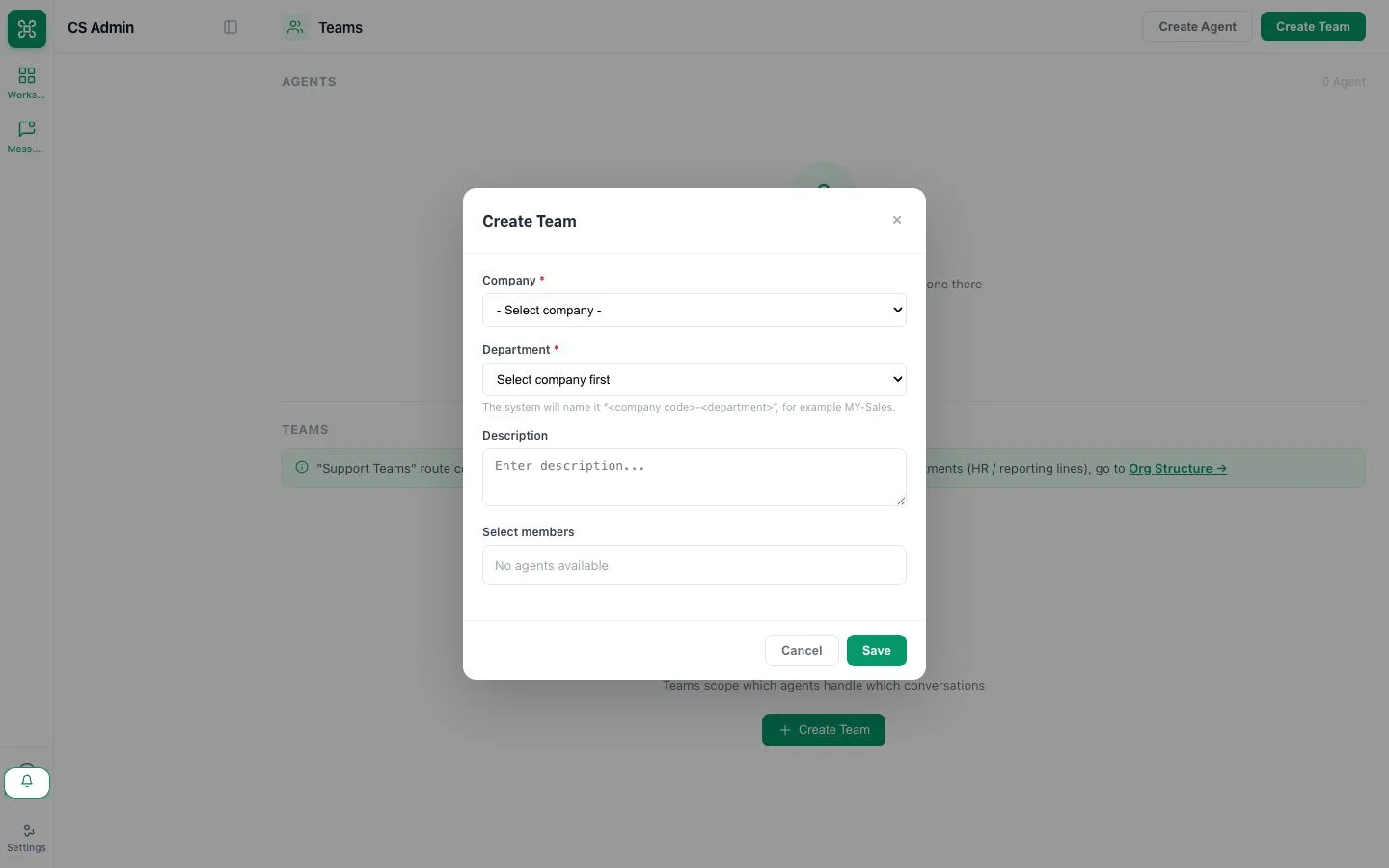
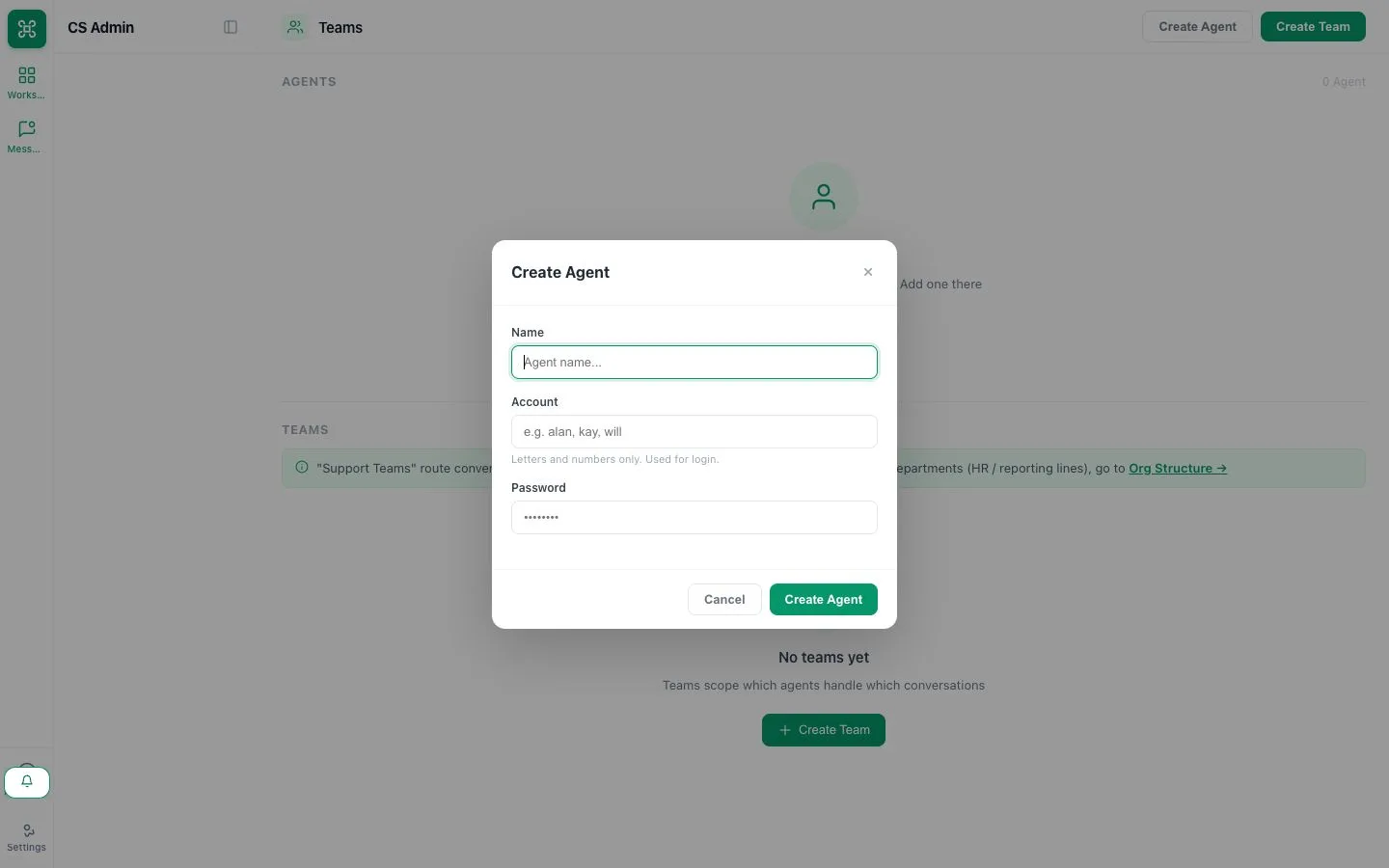
Create one employee login with a temporary password, share it securely and ask that employee to change the password and test access. No email invitation is sent.
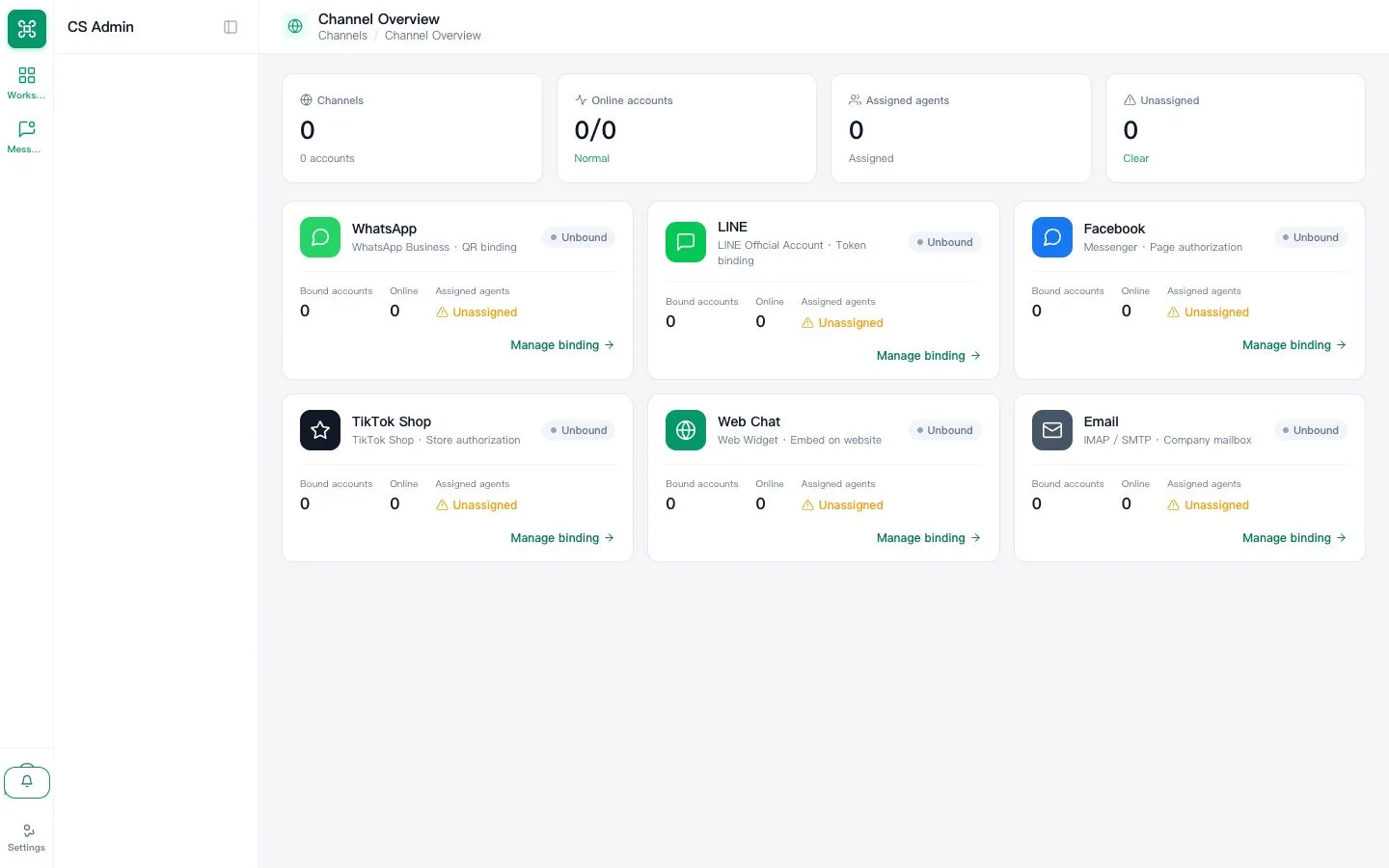
Authorize one supported provider account and map its inbox to a team.
Send from a separate customer account, reply in AllOneSales and verify delivery.
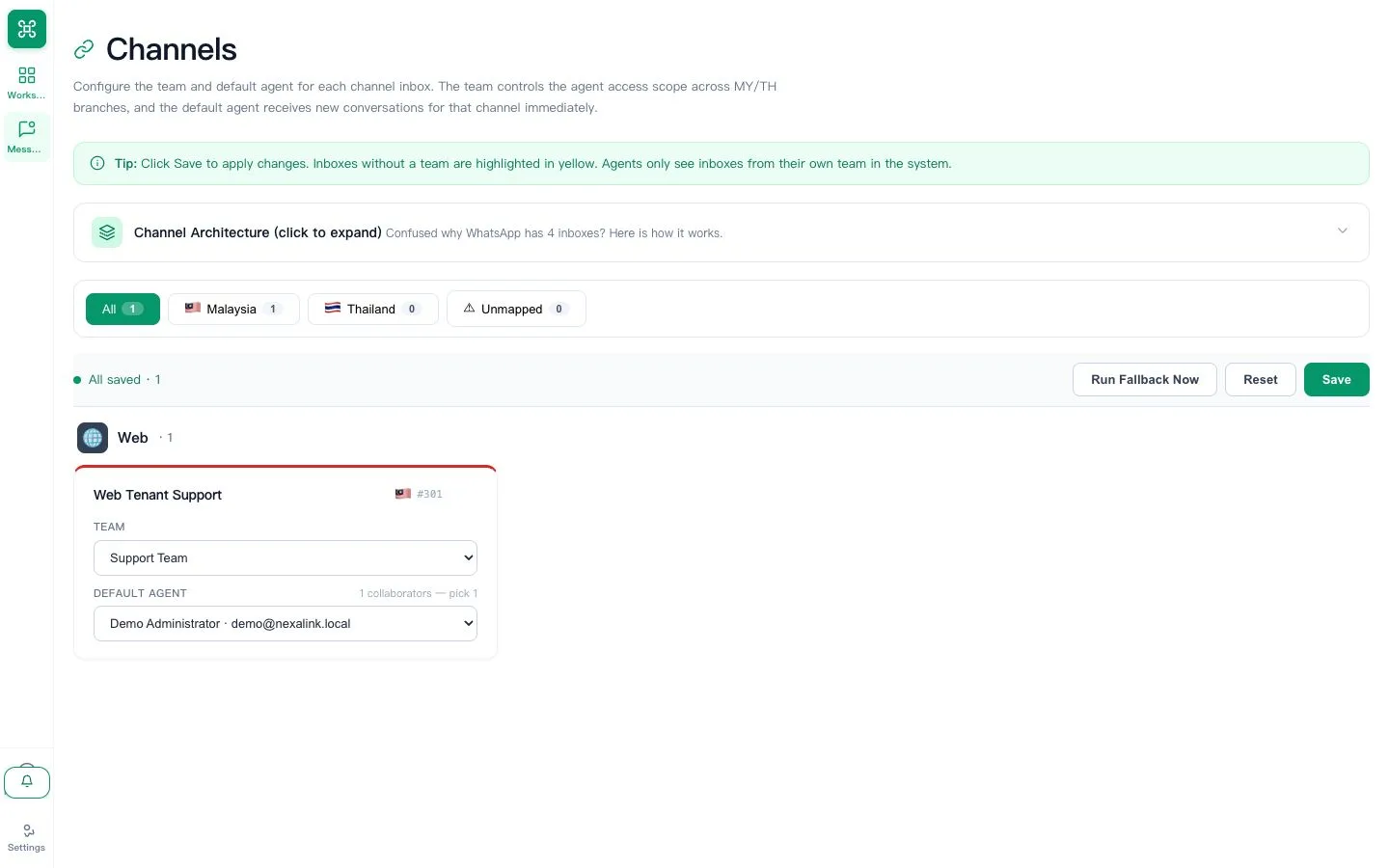
Confirm the mapped team, default handling process and overdue queue owner.
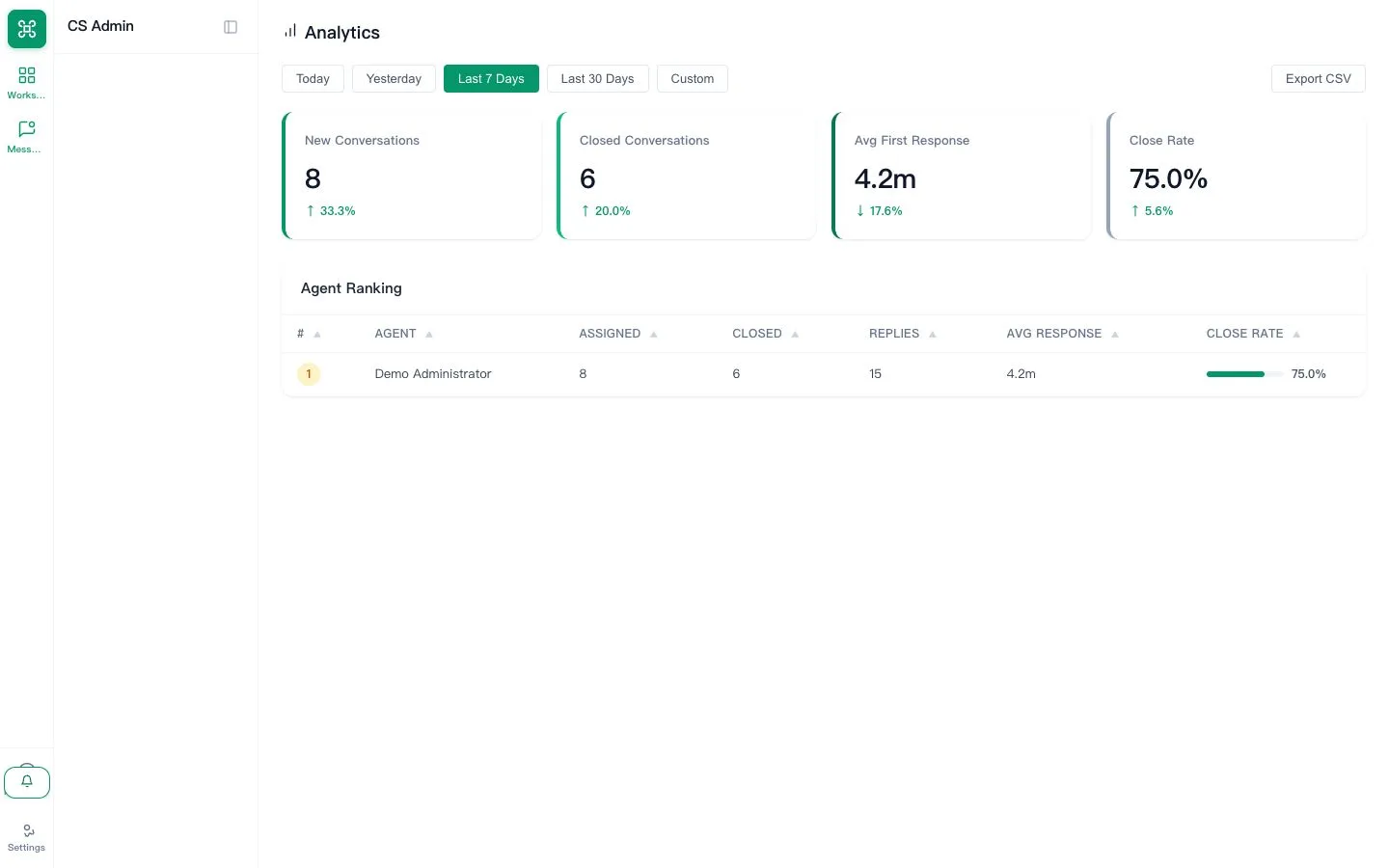
Open the dashboard, set the date range and confirm test activity is represented.
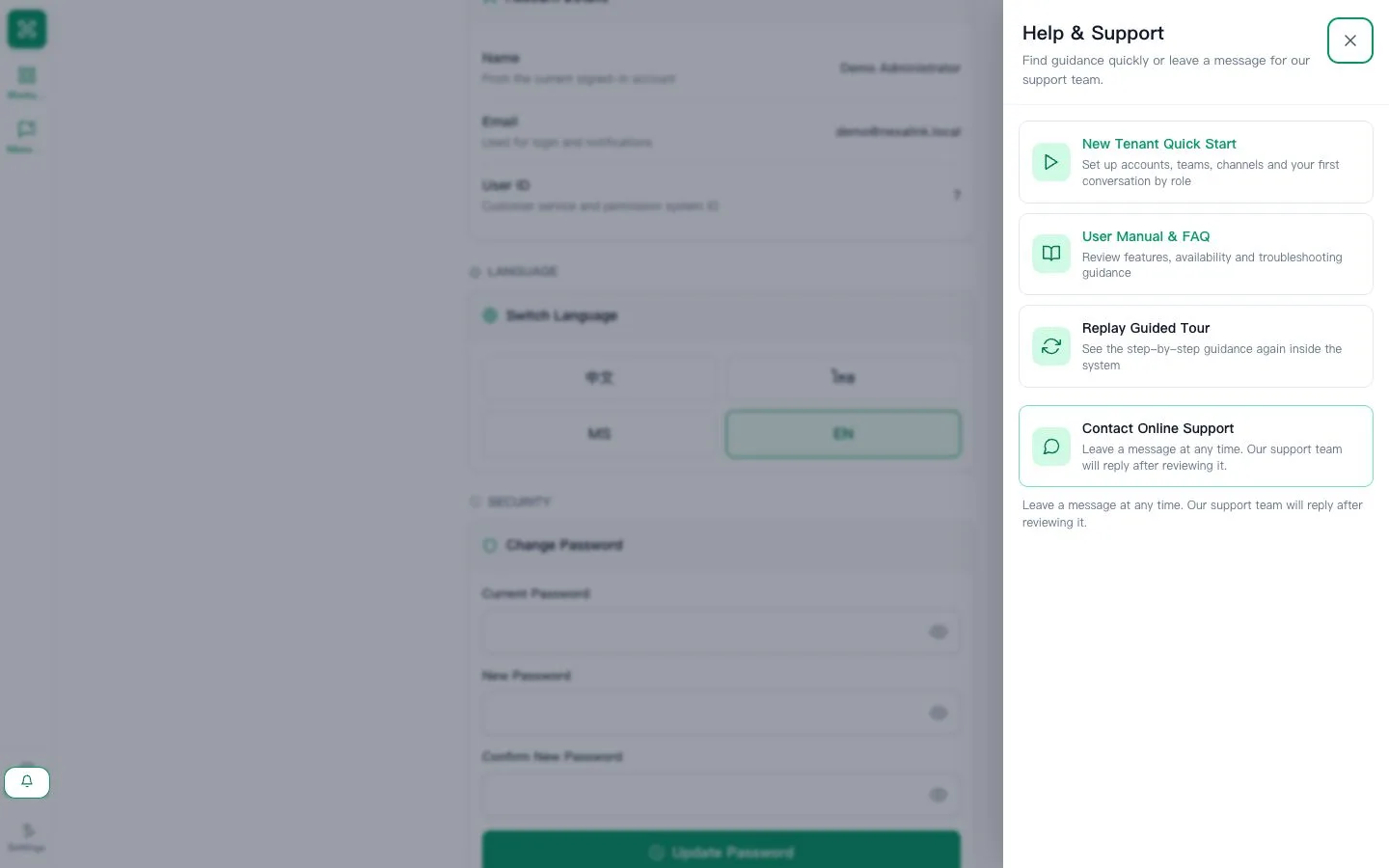
Open Help & Support, review the manual and send a non-sensitive test support message.
Learn the daily workflow and where to get help.
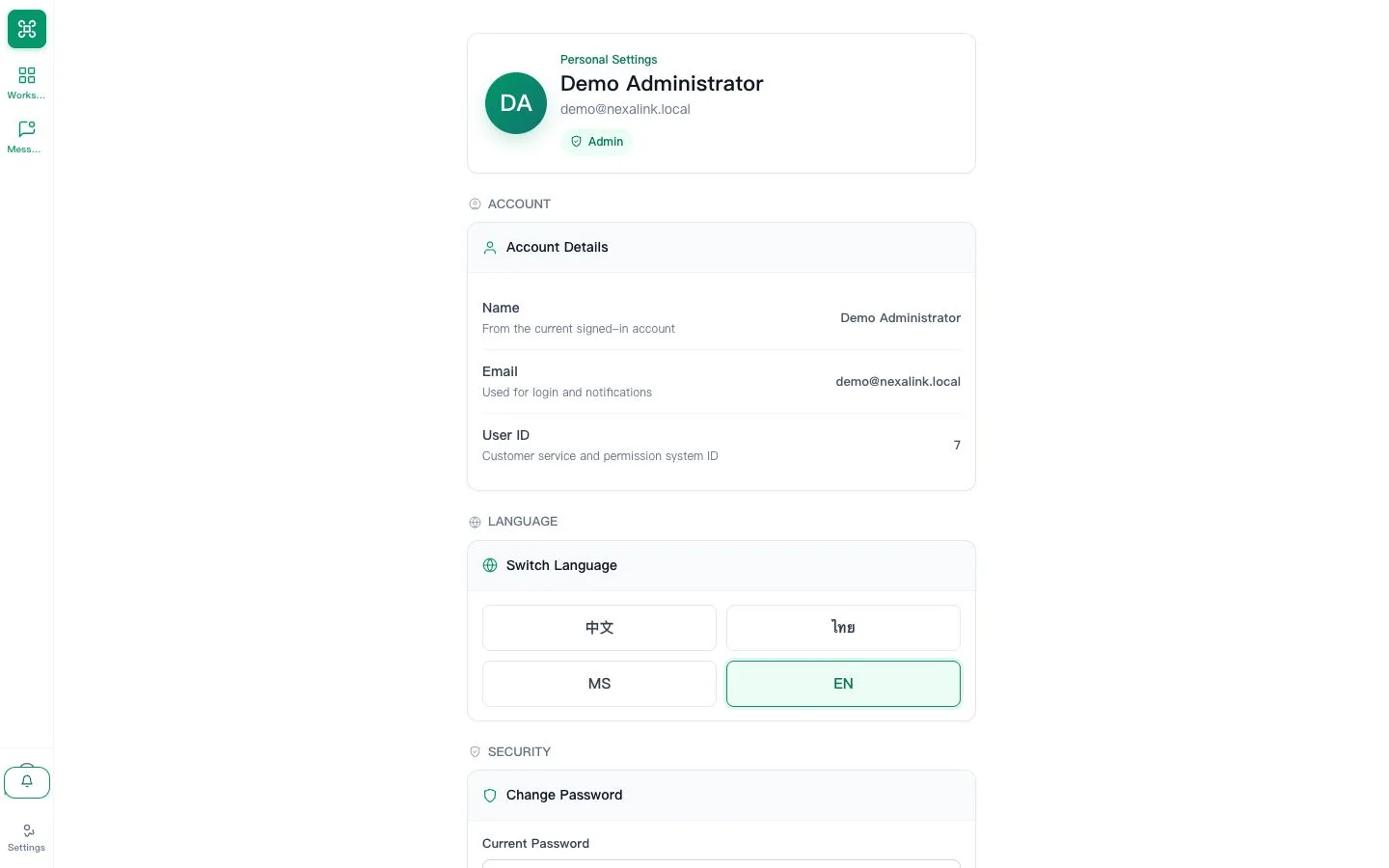
Confirm name, language and notification preferences, then change any temporary password.
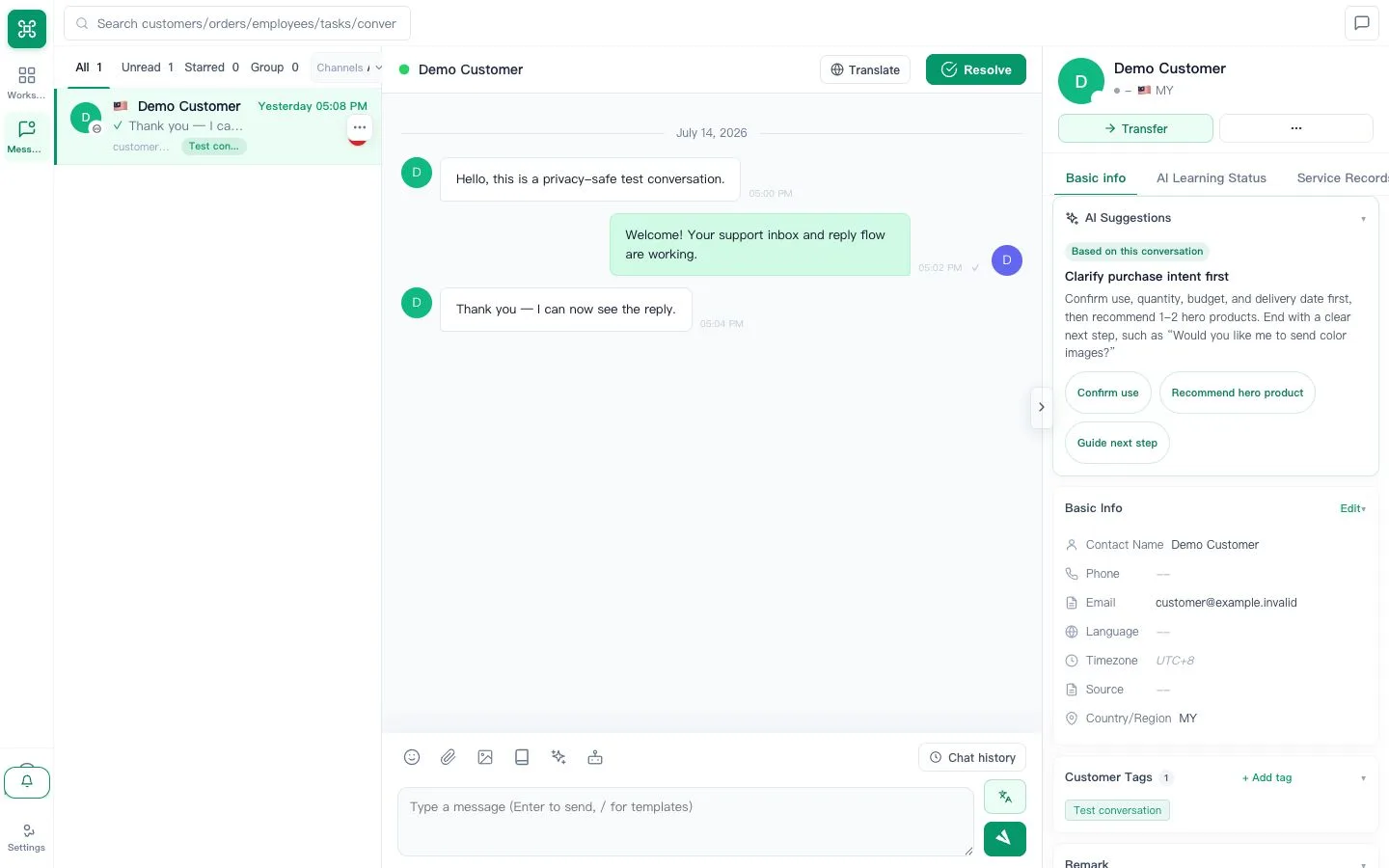
Open the assigned queue, review customer context, reply and set the correct next status.
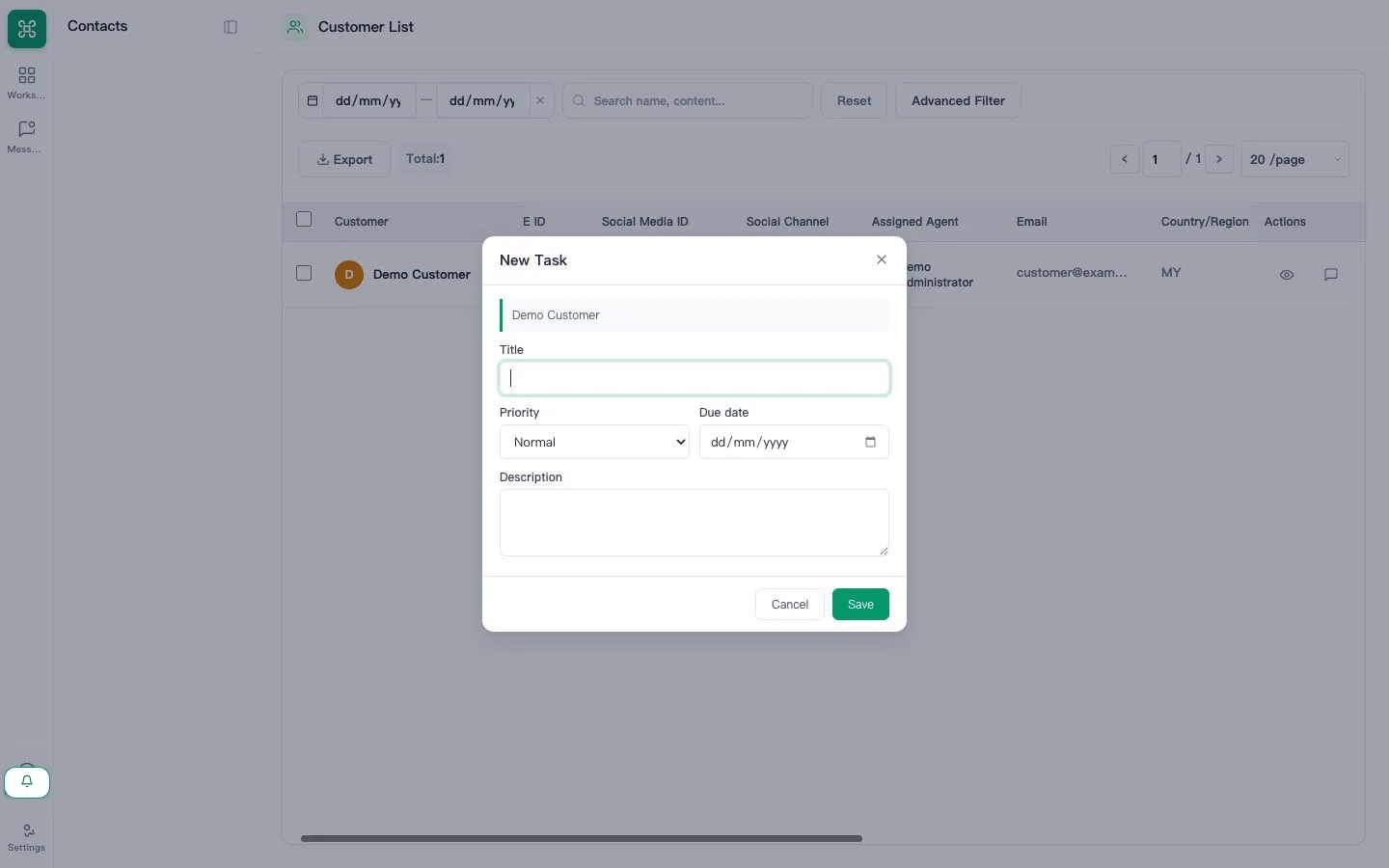
Search the customer, confirm contact details and record one accountable next action.
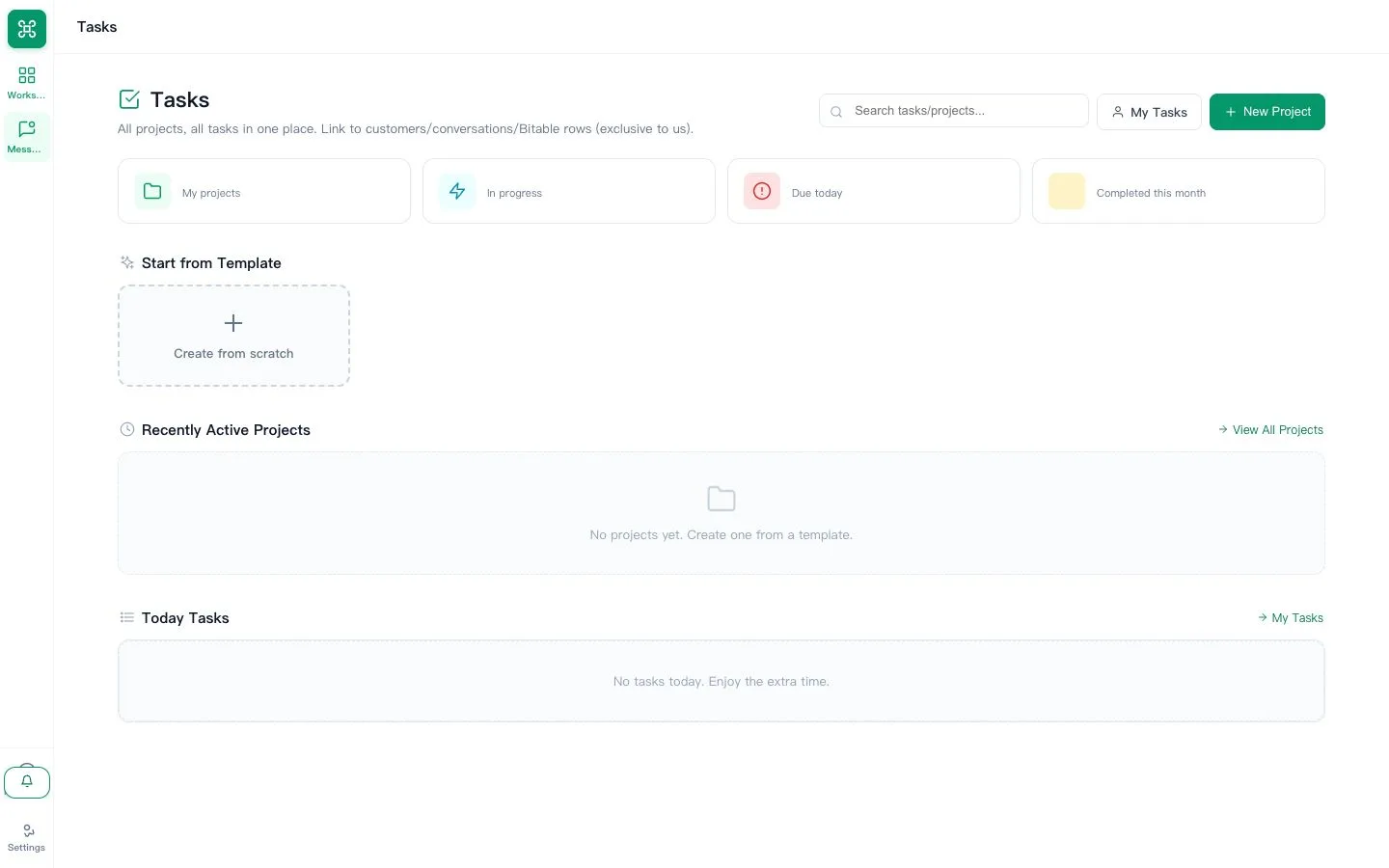
Send an internal message, create or accept a task and attach the result before completion.
Find the manual, replay the guided tour and learn what context to send support.